01 / PRODUCT DETAILS
Tamper resistant
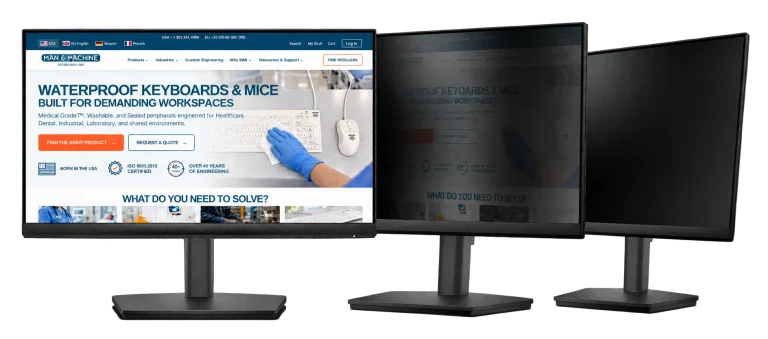
The privacy filter is custom installed in the monitor, so it can’t be removed or lost.
Private Eye™ privacy monitors
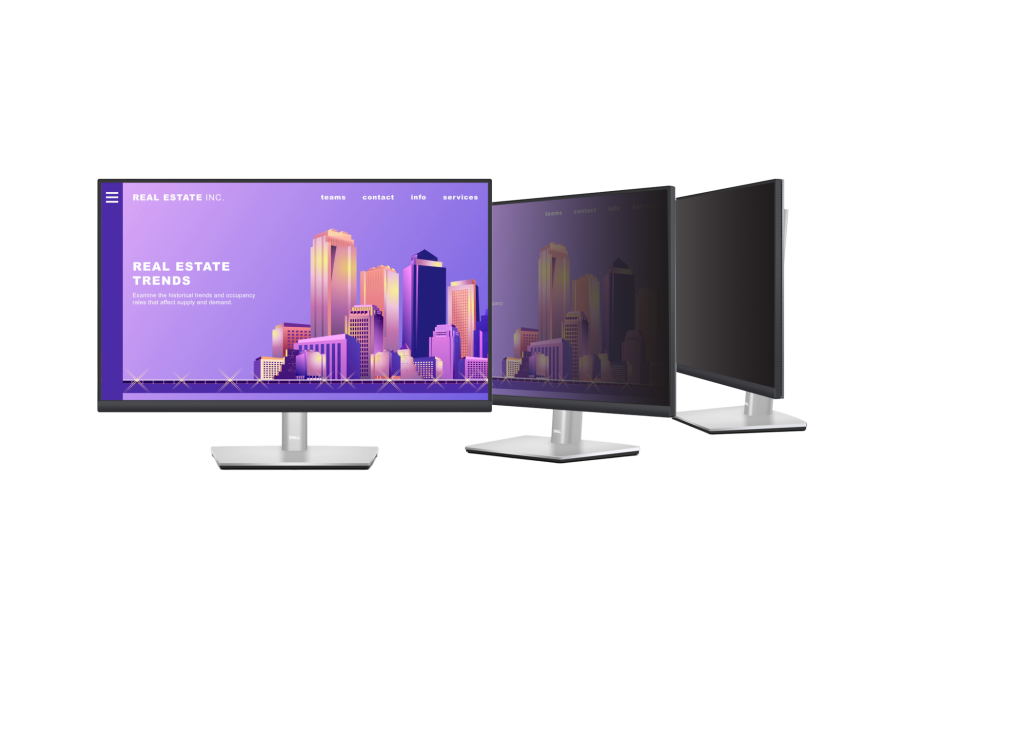
Monitors with a privacy filter built in: clear to the person in front of the screen, hidden from side angles, and tamper resistant. Choose Dell, HP or Samsung models, or a Planar 19-inch touch monitor.
Product features
Protect sensitive information on screen and support privacy compliance in healthcare, education, financial, government and IT settings, without a filter staff can remove.
01 / PRODUCT DETAILS
The privacy filter is custom installed in the monitor, so it can’t be removed or lost.
02 / PRODUCT DETAILS
Information stays clear from directly in front and is obscured from the sides.
03 / PRODUCT DETAILS
Helps keep ePHI and other protected information from casual view.
04 / PRODUCT DETAILS
An anti-reflective coating reduces glare and adds a layer of screen protection.
At a glance
| Product | Private Eye™ privacy monitors |
|---|---|
| Models | Dell 24" and 27" (PEMD24, PEMD27) HP 24" and 27" (PEMH24, PEMH27) Samsung 24" and 27" (PEMS24, PEMS27) Planar 19" touch (PEM19PT) |
| Privacy filter | Custom installed, tamper resistant; anti-reflective |
| Viewing angle | Private beyond 30° left and right |
| Orientation | Landscape only |
Make it fit
Each brand has its own page with its sizes and prices.
24-inch and 27-inch Dell monitors with Private Eye™.
View Dell models24-inch and 27-inch HP monitors with Private Eye™.
View HP models24-inch and 27-inch Samsung monitors with Private Eye™.
View Samsung modelsA 19-inch touch monitor with Private Eye™, by quote.
Request a quoteClean at the workstation
Product support
Complete the workstation
Share your workstation, cleaning, and quantity requirements with MMI.