
Confirm the environment
Document where the keyboard will be used, who will share it, and how often it must be cleaned.
Clinical workstation evaluation
Use these 10 requirements to evaluate whether a keyboard is truly designed for frequent cleaning, demanding clinical workflows, and comfortable everyday use.
How to use the checklist
Review the product, cleaning protocol, workstation hardware, and needs of the clinicians who will use it.
Document where the keyboard will be used, who will share it, and how often it must be cleaned.
Review construction, cleaning instructions, compatible chemistry, and available configuration options.
Confirm typing feel, noise, glove use, visibility, and fit with the workstation or cart.
The MMI standard
Check each requirement as you confirm that the keyboard meets the needs of your clinical environment.
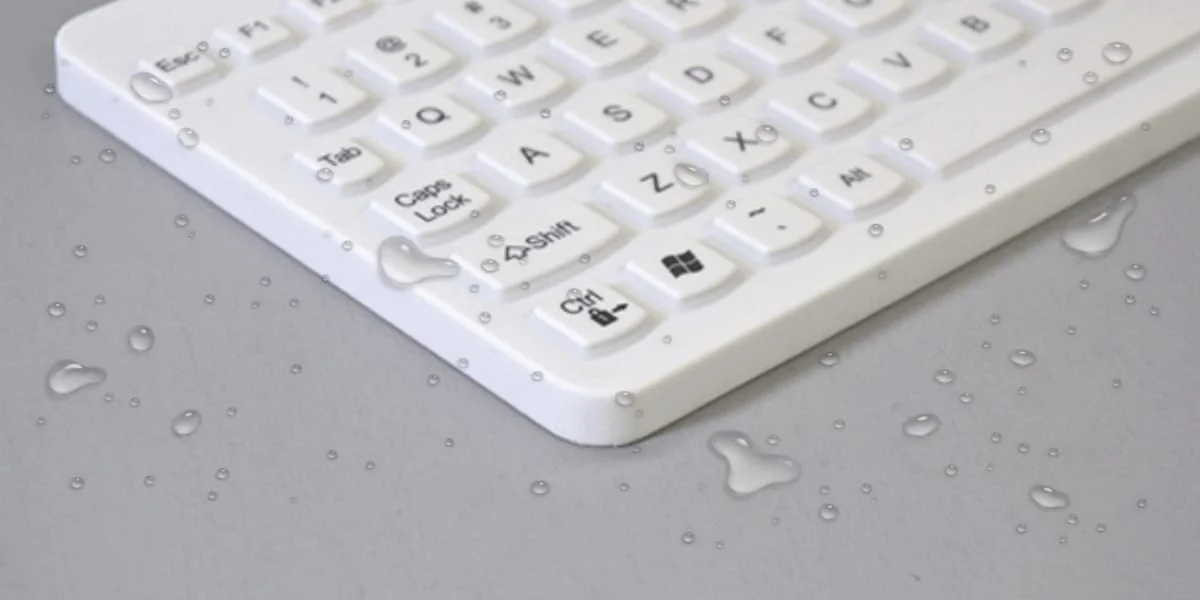
Nothing can hide beneath exposed keycaps or inside open seams.
Designed to tolerate compatible EPA-approved disinfectants and a 1:10 bleach solution.
Temporarily disable input so staff can disinfect between patients or shifts.
A light surface makes visible splatter and contaminants easier to identify.
Made for multiple users, continuous operation, and repeated cleaning.
Responsive typing should remain practical when staff are gloved or double gloved.
Magnetic attachment supports folding trays without dirty Velcro™ or tape.
Adjustable illumination supports accurate input in low-light clinical spaces.
A flat, quiet design supports staff comfort without disturbing patients.
Focus on effective cleaning and disinfection rather than additives that may only protect the product.
All 10 requirements confirmed. Document the selected model, approved cleaning method, and configuration before deployment.
Decision guidance
The checklist should be reviewed alongside the exact product user manual, cleaning protocol, and workstation configuration.
Tell us where it will be used, how it will be cleaned, and how it needs to integrate.