
Washable Keyboards & Mice
Familiar typing. Practical cleaning.
Open-style keyboards and mice engineered for routine cleaning, shared use, and the everyday demands of clinical, office, education, and public-facing workspaces.
- Open-style key design
- Wired and wireless options
- Cleaning-ready construction

- Open-style design Familiar keys for comfortable everyday use
- Washable construction Built to support routine cleaning procedures
- Wired or wireless Choose the connection that fits the workspace
- Fit for purpose Match the product to the workflow
Why Washable
Everyday usability with cleaning in mind
MMI Washable peripherals provide a familiar workstation experience while supporting the cleaning needs of shared and frequently used environments.
-
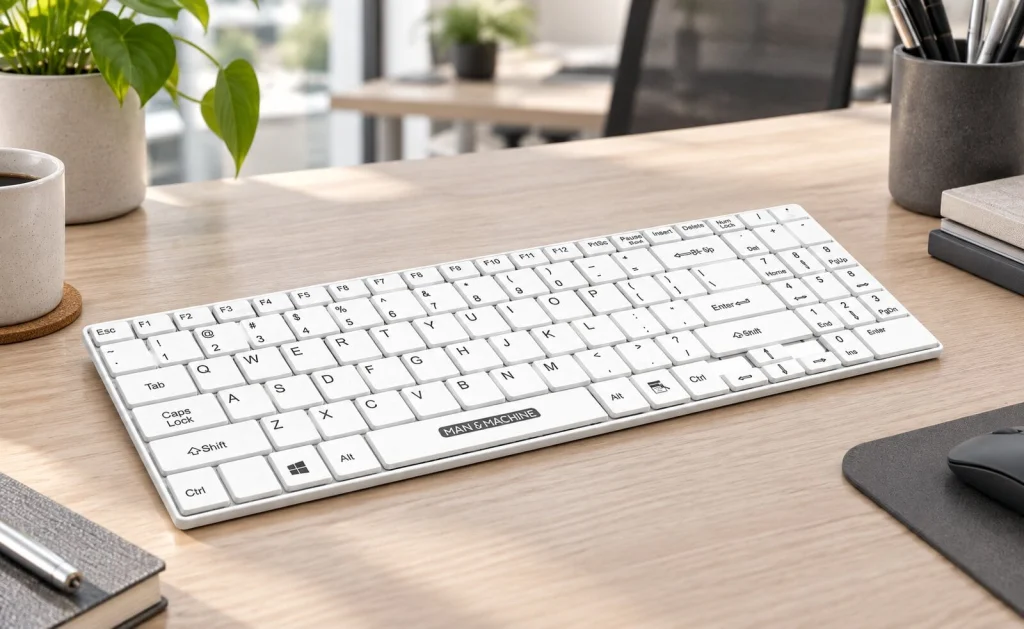
Familiar open-style keys
Traditional key shapes and spacing support comfortable typing for documentation, data entry, and everyday workstation use.
-

Built for routine cleaning
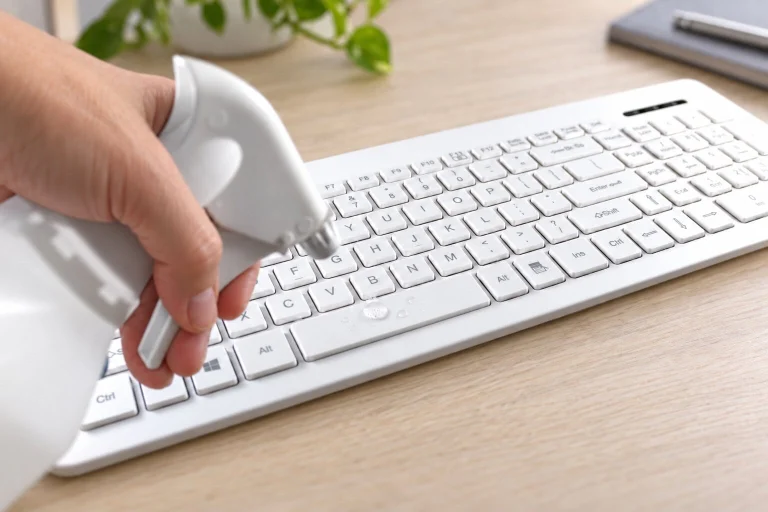
Washable construction supports regular wiping and cleaning when the product instructions and facility procedure are followed.
-

Flexible workstation setup
Wired and wireless models help reduce cable constraints and fit carts, desks, classrooms, reception areas, and shared workspaces.
Washable product family
Choose the layout and connection that fit
MMI offers full-size, compact, wired, and wireless Washable keyboards and mice for different workspace and workflow requirements.
-
-
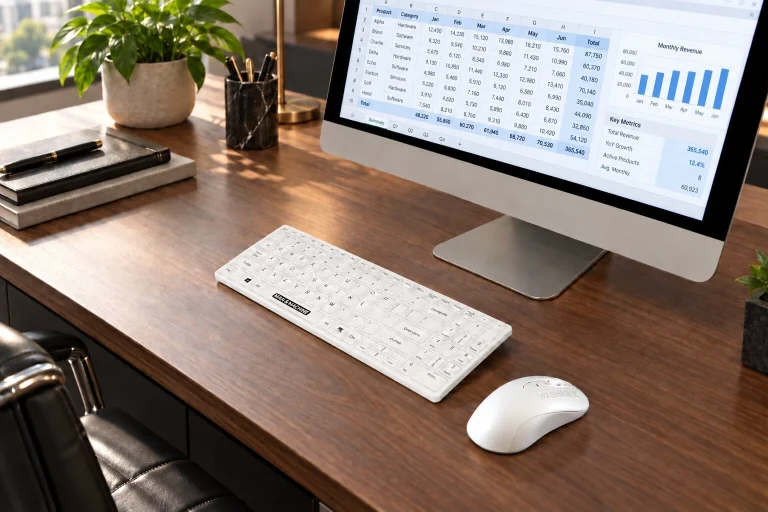 Wireless keyboards
Wireless Keyboards
A cable-free Washable keyboard option for desks, mobile workstations, shared spaces, and flexible room layouts.
Request product guidance -
 Washable pointing devices
Wired & Wireless Mice
Pair a Washable keyboard with a cleanable mouse for a coordinated workstation setup.
Request product guidance -
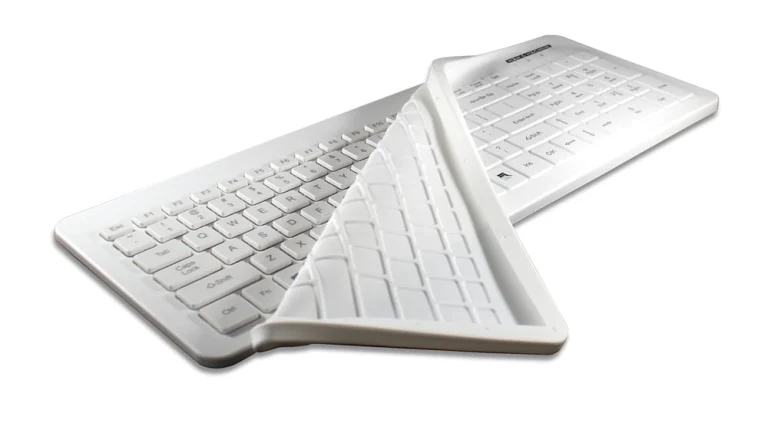 Reusable barriers
Fitted Keyboard Drapes
Sterilizable fitted barriers engineered for compatible keyboards and validated reprocessing workflows.
Y Cool Very Cool Its Cool Its Cool Wireless Select Dell keyboards
Explore fitted drapes
Not sure which model fits? Tell MMI about the workspace, connection preference, cleaning process, available space, and required layout.
Built for shared environments
Washable options for everyday workspaces
Select the product around the users, cleaning process, workstation hardware, and connection requirements.
-
Healthcare & Clinical
Nurses' stations, patient registration, administrative areas, mobile carts, and shared documentation workspaces.
-
Education
Classrooms, computer labs, libraries, training rooms, and shared technology stations.
-
Offices & Shared Workspaces
Hot desks, reception areas, conference rooms, customer-service stations, and public-facing counters.
-
Government & Public Safety
Dispatch, administration, courts, municipal offices, and other multi-user workstation environments.
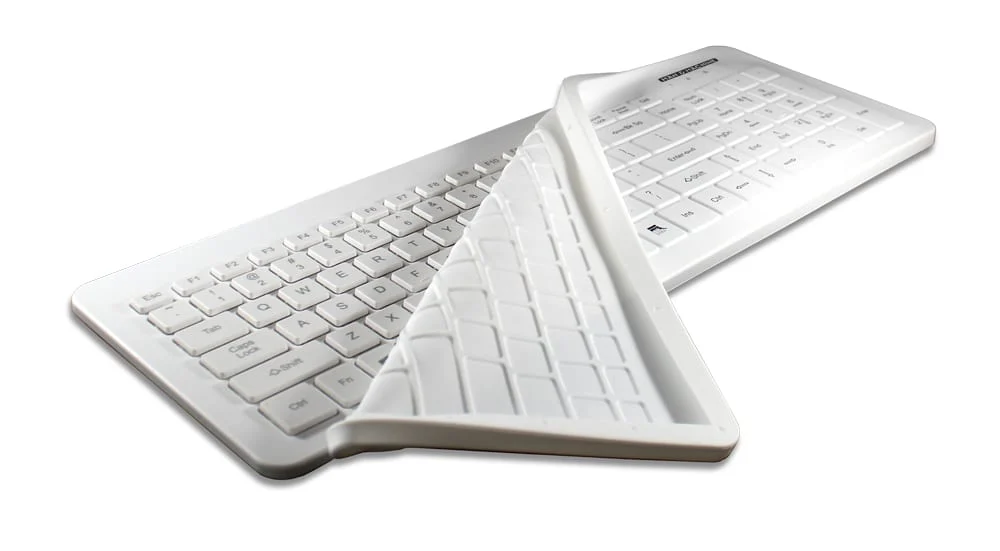
Reusable barriers
Sterilizable Fitted Keyboard Drapes
Available for Y Cool, Very Cool, Its Cool, Its Cool Wireless, and select Dell keyboards. Follow the Fitted Drape user manual and your facility's validated procedure for the approved sterilization cycle and parameters.
Y Cool · Very Cool · Its Cool · Its Cool Wireless · Select Dell keyboards
- Remove and inspect Check for tears, punctures, or other damage. Do not reuse a damaged drape.
- Clean thoroughly Remove visible soil using a compatible, facility approved cleaning product.
- Dry completely Rinse when required by the product label and allow the drape to dry before sterilization.
- Sterilize as directed Use only the method, temperature, exposure time, and drying instructions in the Fitted Drape user manual.
Selection considerations
Match the product to the workstation
Choose the connection, size, layout, and cleaning workflow that best support the people using the workstation.
-
Quick-Disconnect Cable
Available on L Cool, Very Cool, and Y Cool for workstation configurations that benefit from convenient cable separation.
-
Backlight
Standard on D Cool and Y Cool to support accurate typing in low-light workspaces.
-
Dual-Mode Wireless Connectivity
Available on Its Cool Wireless and C Mouse Wireless in white only.
Features and cleaning methods vary by model. Contact MMI to confirm the right Washable product for the application.
Cleaning support
Clean with the workflow in mind
Follow the exact product user manual, approved cleaning chemistry, and facility procedure for the selected model.
- Lock supported keyboards Activate the model's TruLock function before cleaning while connected to a computer.
- Clean the surface Use facility approved products within the listed chemistry and concentration limits.
- Dry completely Follow the cleaning product label and product user manual before returning the device to use.
Find the right Washable solution.
Share the workspace, cleaning process, layout, and connection requirements with MMI.