
Waterproof & Sealed
Complete protection for demanding workspaces
Fully Sealed keyboards and mice designed for frequent cleaning, liquid exposure, shared use, and demanding clinical and industrial workflows.
- Fully Sealed construction
- TruLock™ cleaning support
- Made in the USA options
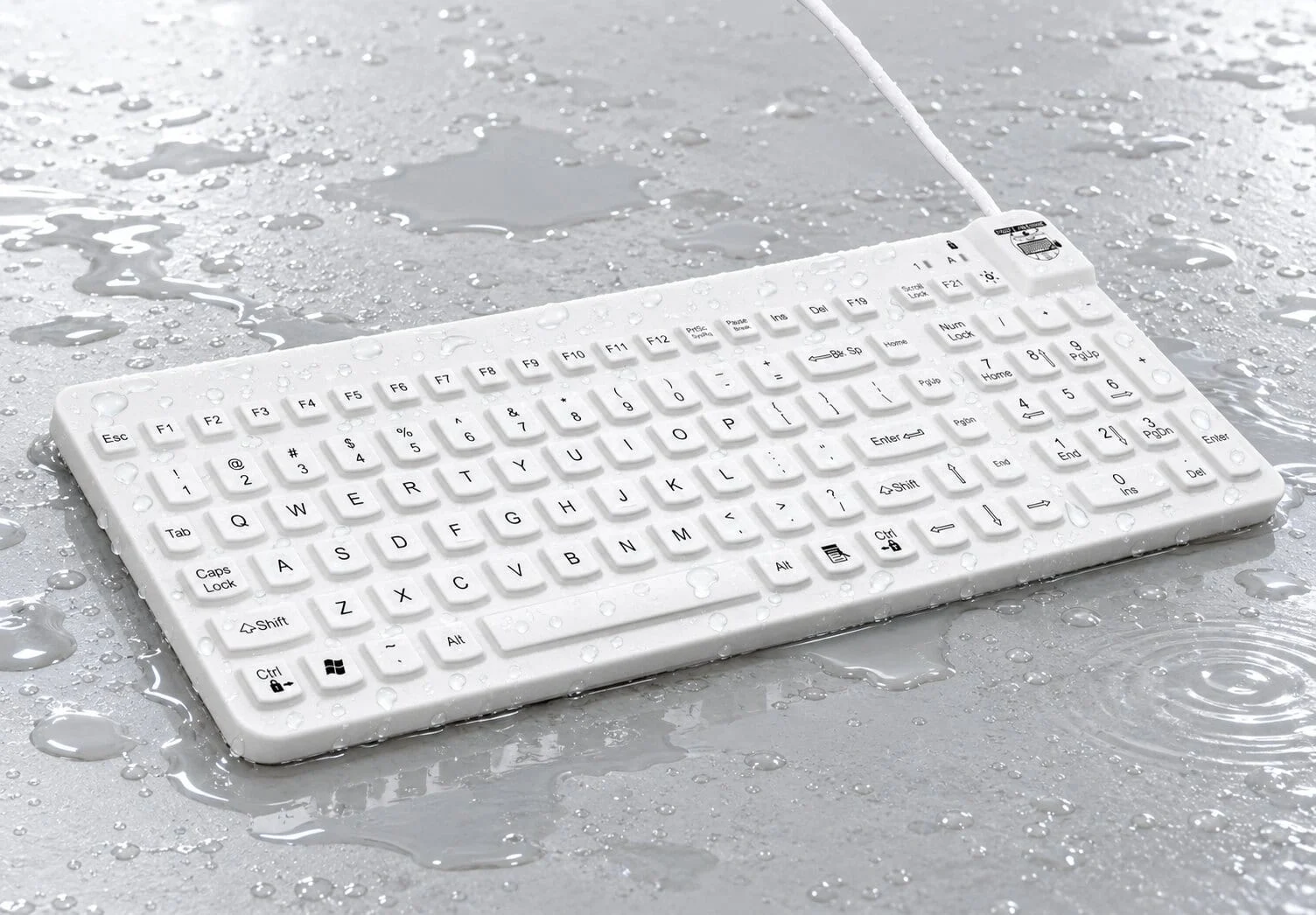
- Waterproof construction Protection from liquids and frequent cleaning
- Sealed silicone surfaces No exposed gaps beneath the keys
- Clean at the workstation Lock supported keyboards before wiping
- Fit for purpose Configure around the application
Why Sealed
Protection built into every surface
MMI Sealed peripherals are engineered for workspaces where ordinary office keyboards and mice are difficult to clean or insufficiently protected.
-
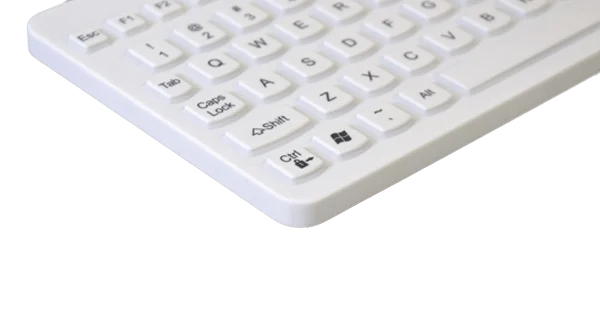
Fully Sealed design
Continuous surfaces help prevent liquids, dust, debris, and contaminants from entering through exposed gaps.
-
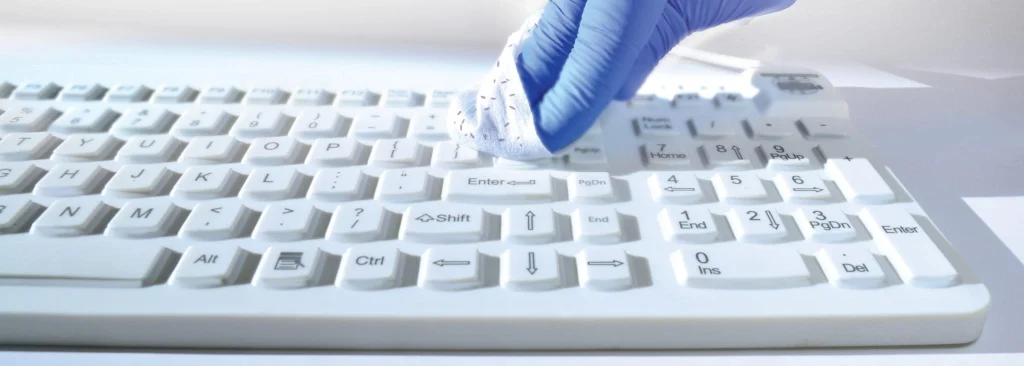
Cleaning without disconnection
Compatible keyboards support TruLock™ so teams can clean the surface while the device remains connected.
-
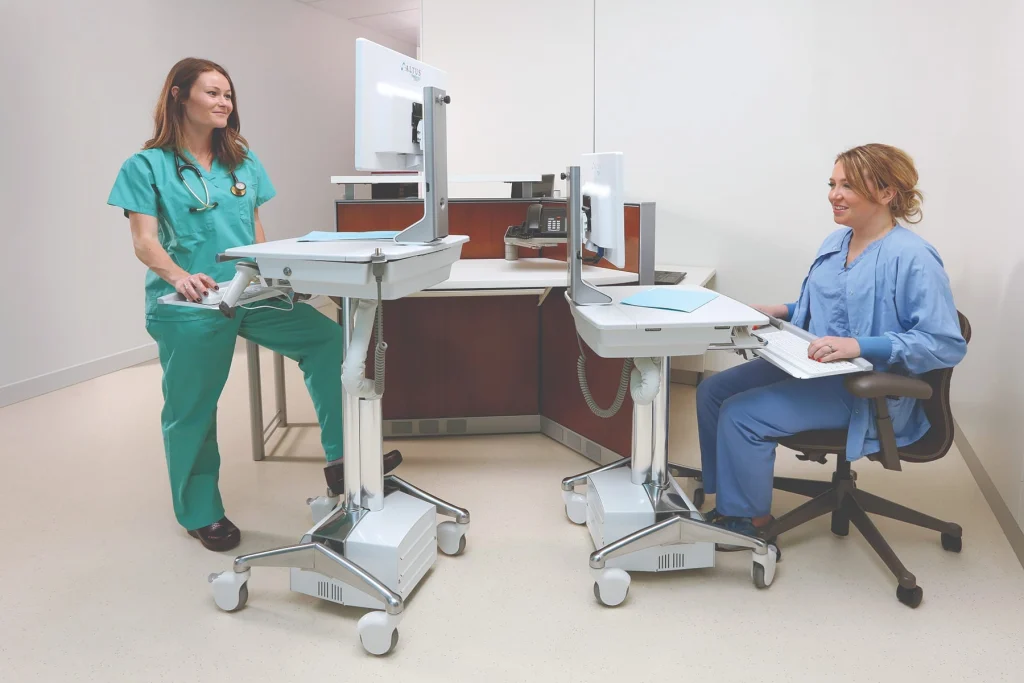
Made for repeated use
Durable designs support shared workstations, high-volume workflows, and routine cleaning throughout the day.
Sealed product family
Choose the layout that fits the workstation
From full-size data entry to compact equipment integration, MMI offers Sealed keyboards and mice for different workflow and space requirements.
-
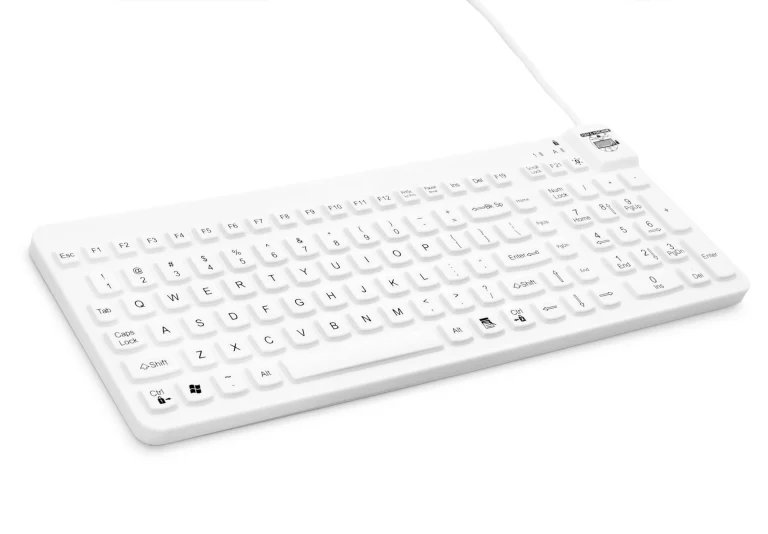 Full-size keyboards
Really Cool Series
Full-size Sealed keyboards for clinical documentation, data entry, carts, wall stations, and shared workspaces.
Request product guidance -
 Compact keyboards
Slim Cool Series
Space-conscious Sealed keyboards for equipment-dense workstations, carts, wall stations, and specialized applications.
Request product guidance -
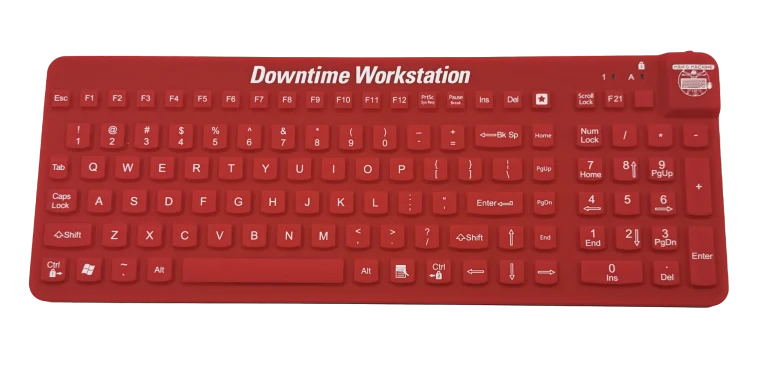 Downtime workstations
E Cool Keyboard
A dedicated Sealed keyboard designed for Downtime Workstations and essential documentation workflows.
Request product guidance -
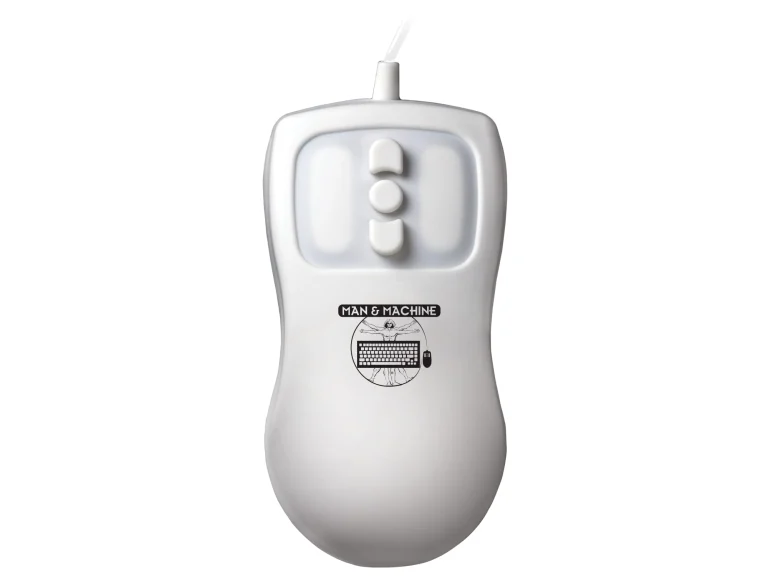 Sealed pointing devices
Sealed Mice
Pair a Sealed keyboard with a cleanable pointing device for a consistent, protected workstation setup.
Request product guidance
Build the right Waterproof & Sealed configuration
Compare layouts, colors, interfaces, and compatible keyboard and mouse options with the MMI Product Selector.
Not sure which model fits? Tell MMI about the workspace, available tray space, cleaning process, and required layout.
Built for the environment
Sealed protection across demanding workspaces
Select the product and options around the actual exposure, cleaning process, users, and workstation hardware.
-
Healthcare & Clinical
Patient rooms, mobile carts, procedural areas, sterile processing, pharmacies, and shared workstations.
-
Dental
Chairside workstations, sterilization areas, imaging rooms, laboratories, and shared operatories.
-
Industrial
Manufacturing, food processing, production, quality, controlled environments, and washdown-adjacent areas.
-
Laboratory
Testing, research, diagnostic, cleanroom-adjacent, and equipment-integrated workstations.
Configuration options
Integrate Sealed products into the workflow
Available options help the keyboard fit carts, wall stations, low-light rooms, branded equipment, and custom hardware platforms.
-
MagFix
Integrated magnets help secure compatible keyboards to flip-up trays without Velcro™ or adhesive tape.
View MagFix locations -
Multilevel Backlight
Adjustable illumination supports accurate typing in low-light clinical and technical spaces.
-
Custom Cable Lengths
Specify cable lengths for carts, wall mounts, and equipment integration to reduce excess cable.
-
Custom Logo
Add facility, health-system, or OEM branding for a coordinated workstation presentation.
Options vary by model and configuration. Contact MMI to confirm availability for the selected Sealed product.
Cleaning support
Clean with the workflow in mind
Follow the exact product user manual, approved cleaning chemistry, and facility procedure for the selected model.
- Lock supported keyboards Press the left and right Ctrl keys together for three seconds before cleaning while connected.
- Clean the Sealed surface Use only approved methods, tools, chemistry, and concentration limits.
- Keep the connector dry Never place the USB or PS/2 connector in fluid.
Find the right Sealed solution.
Share the workspace, cleaning process, layout, and integration requirements with MMI.