
MMI Wireless Products

Cleanable workstations. Fewer cables.

Wireless keyboards and mice designed for flexible workspaces that still need practical, repeatable cleaning.

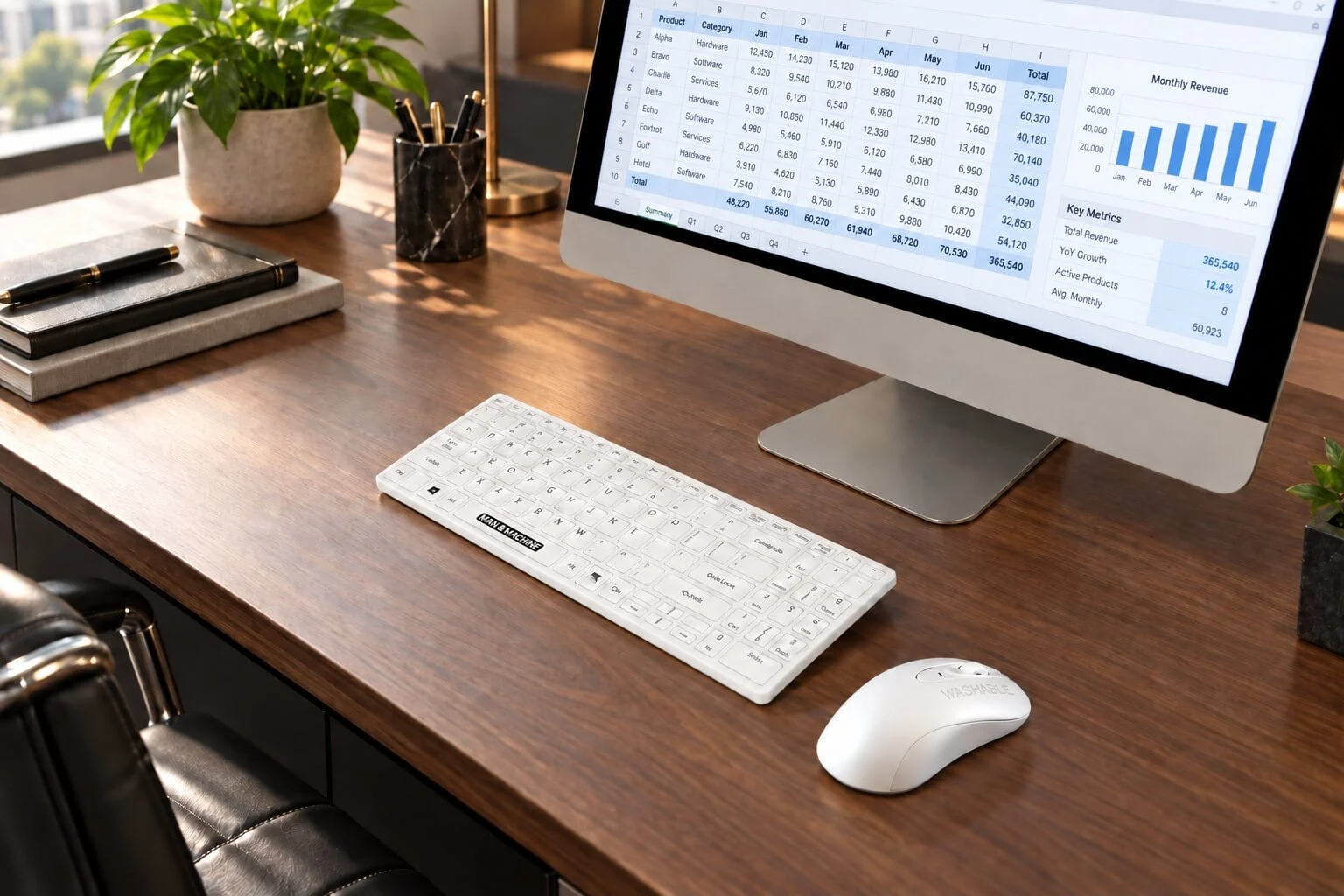
MMI Its Cool Wireless keyboard and C Mouse Wireless on a modern desk

Why wireless

More flexibility at the workstation

Choose a keyboard and mouse that support everyday work without adding unnecessary cable clutter.

  • Flexible placement

    Arrange the keyboard and mouse around the user, available desk space, or a mobile workstation.

  • Washable design

    IP65 rated models support cleaning with compatible methods. Follow each product’s instructions and cover charging ports before washing.

  • Connection choices

    Select Bluetooth™ or a 2.4 GHz USB dongle on the white dual-mode models to fit the workstation’s setup.

Wireless product family

Choose your keyboard and mouse

Pair these washable wireless products for a coordinated workspace, or choose the device that meets your needs.

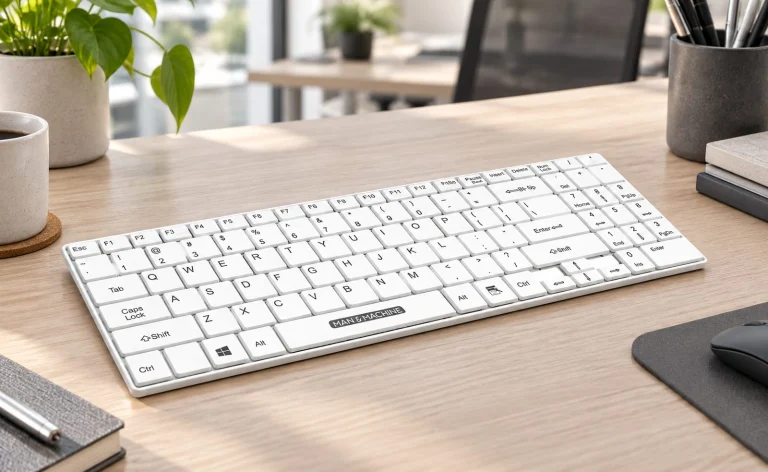
  • White MMI Its Cool Wireless keyboard on a clean white worksurface
    Wireless keyboard

    Its Cool Wireless

    A compact, low-profile keyboard with an integrated numeric keypad. Available in white with Bluetooth™ and 2.4 GHz dongle connection.

    • Washable IP65 design
    • Rechargeable battery
    • Compatible fitted keyboard drape available separately
    View Its Cool Wireless
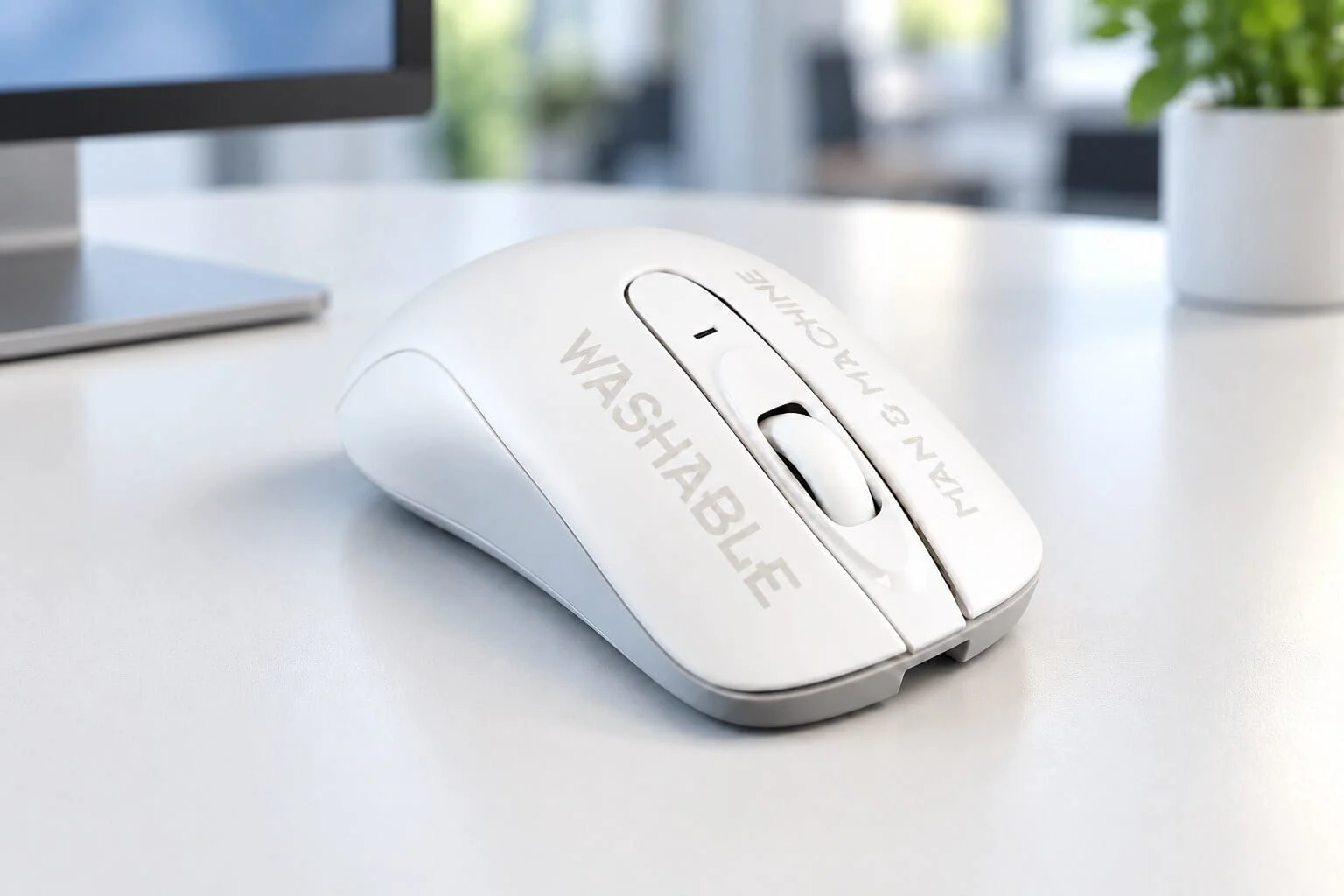
  • MMI wireless mouse on a clean work surface
    Wireless mouse

    C Mouse Wireless

    A compact, rechargeable washable mouse. Choose the white dual-mode model for Bluetooth™ or 2.4 GHz dongle connection; the black model uses the dongle.

    • Washable IP65 design
    • Familiar scroll wheel and compact shape
    • White and black configurations
    View C Mouse Wireless

Connection options

Fit the connection to your setup

The white dual-mode products give you two ways to connect. Confirm compatibility and facility preferences before deployment.

  • Bluetooth™

    Connect without occupying a USB port when the computer supports Bluetooth™. Available on the white Its Cool Wireless keyboard and white C Mouse Wireless.

  • 2.4 GHz USB dongle

    Use the included USB receiver for a direct wireless connection. Available across these wireless models.

Wireless pairing guide

Pair the keyboard and mouse to one USB receiver

Connect a compatible MMI wireless keyboard and mouse to a single receiver. These steps apply to RF mode.

Before you begin

  • Charge both devices and place them within 12 inches of the receiver.
  • Set both devices to RF mode. Disconnect other MMI wireless receivers during pairing.
  • Use the receiver that will remain connected to the computer.

Pair the keyboard to the mouse receiver

  1. Start pairing mode. Press and hold Esc + M for 3 seconds. The keyboard’s green indicator should flash rapidly.
  2. Reconnect the receiver. Keep the keyboard close to the mouse receiver. If pairing does not begin, unplug and reinsert the receiver.
  3. Wait for connection. Allow up to 20 seconds. Pairing is complete when the indicator stops flashing and the keyboard responds.
Pair the mouse to the keyboard receiver

  1. Start pairing mode. Press the left button, right button, and center scroll wheel at the same time. The mouse’s green indicator should flash rapidly.
  2. Reconnect the receiver. Keep the mouse close to the keyboard receiver. If pairing does not begin, unplug and reinsert the receiver.
  3. Wait for connection. Allow about 20 seconds. Pairing is complete when the indicator stops flashing and the pointer moves.

If pairing does not complete

  • Confirm both devices are charged and in RF mode, then repeat the pairing sequence.
  • Move the devices closer to the receiver and try a different USB port.
  • Remove nearby wireless receivers or USB 3.0 devices that may cause interference.

Still need help? Contact MMI Technical Support.

MMI wireless mouse on a clean work surface

Care and maintenance

Cleaning guidance for wireless devices

Keep charging ports covered during cleaning. Use methods and chemistry approved for the specific model, and follow your facility’s procedure. Disconnect charging cables before washing.

View Cleaning Instructions

Find the right wireless setup.

Tell us about the workspace, cleaning process, and connection requirements.

Your privacy choices

We use Google Analytics to understand how the site is used, and Zoho SalesIQ for chat. With your permission, marketing partners (Leadberry, ZoomInfo, Zoho CRM) also learn which companies visit, which some laws treat as selling or sharing personal information.

Read our Privacy Policy